



Android Auto Development Guide
This guide documents the steps to set up the development environment for Android Auto.
Prerequisites
Java JDK and Android SDK components (Android Studio)
./sdkmanager --sdk_root=android_sdk "platform-tools" "platforms;android-35" "build-tools;35.0.0"
Prepare the Phone
- Enable Developer Options in the Android Auto app (tap “Version” 10 times in AA settings).
- In the 3-dot menu, select Start Head Unit Server.
- Connect phone via USB (Mode: File Transfer / MTP).
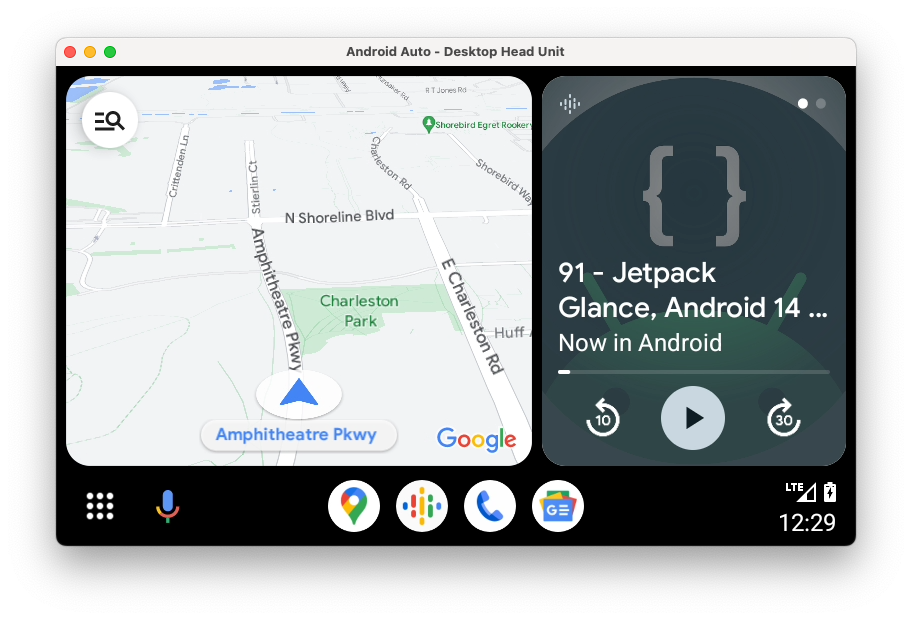
Android Auto Desktop Head Unit (DHU)
To simulate Android Auto on your computer without a car:
Install DHU (Desktop Head Unit)
./sdkmanager --sdk_root=android_sdk "extras;google;auto"
Run the Simulator
Forward the port:
adb forward tcp:5277 tcp:5277Start DHU:
./desktop-head-unit
Logs
- View Logs:
adb logcat -v time